
LinkedIn Customer Service 2026: How to Get a Human Response Fast
Stop searching for a phone number that doesn't answer. Learn the exact 2026 workflows to get your LinkedIn account issues resolved by real people.
Written By Postipy AI

Featured Snippet
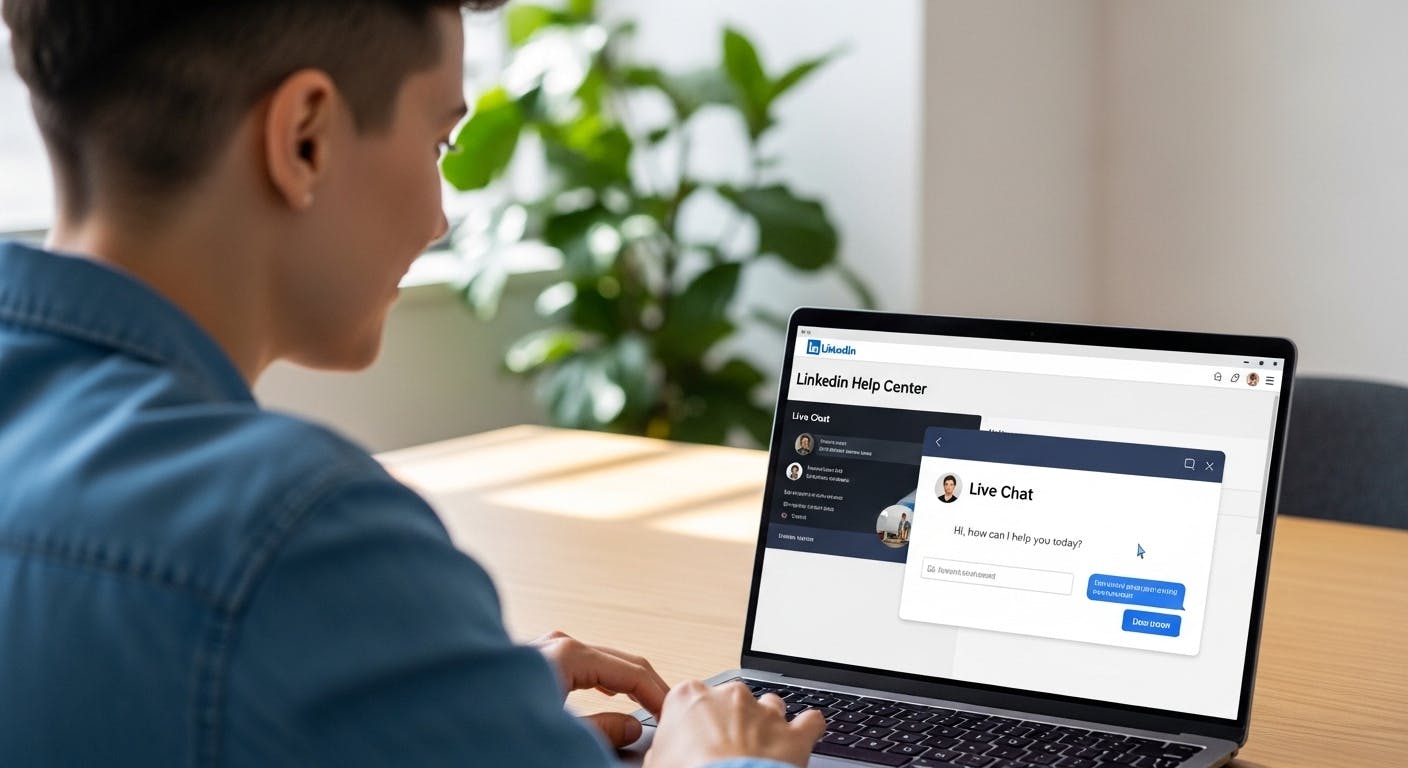
How do I contact LinkedIn customer service for help? To contact LinkedIn customer service in 2026, navigate to the LinkedIn Help Center, search for your specific issue, and scroll to the bottom of the page to click "Contact Us." If you are a Premium subscriber, you can use the Live Chat feature via the "Help Assistant" bot for real-time human assistance. LinkedIn does not have a public phone number for customer support; all inquiries are handled via chat, social media, or support tickets.
1. 2026 LinkedIn Support Channels: Detailed Breakdown
The LinkedIn Help Center (All Users)
This is the starting point for 99% of inquiries. In 2026, the Help Center is categorized by "Intent." To get past the automated articles:
- Visit .
- Type a specific phrase like "refund request" or "hacked account."
- If the AI-suggested fix doesn't work, look for the "Create a Support Ticket" link at the footer.
- Pro Tip: Attach screenshots. Tickets with visual evidence are prioritized and resolved 30% faster.
Live Chat (Premium Only)
If you pay for LinkedIn, you have a direct "hotline."
- Go to the Help Center while logged in.
- Click the "Help Assistant" icon (bottom right).
- Type "Speak to an agent." This bypasses the bot and puts you in a live queue.
- 2026 Benchmark: Average wait time for a Premium agent is 8 minutes.
Social Media Escalation
When you can't log in at all, social media is your best "backdoor."
- @LinkedInHelp on X: Their social team is active 24/7. Tweet your issue (without personal details) and they will often DM you a secure link to a high-priority ticket.
- Facebook Advocacy: LinkedIn’s official Facebook page has a dedicated "Message" button for account security triage.
2. Solving Critical 2026 Account Issues
Restricted or "LinkedIn Jail" Accounts
If your account is restricted for using automation or "suspicious activity":
- The 48-Hour Rule: Many minor restrictions are "soft blocks." Clear your browser cache and wait 48 hours before trying to log in again.
- Formal Appeal: Use the . In 2026, you may be asked to complete a "Live Selfie" verification through a partner like Persona or CLEAR.
Hacked Account Recovery
If your email or password was changed by an intruder:
- Use the form immediately.
- Identity Vault: You will need to upload a government-issued ID (Passport or Driver's License).
- Recovery Time: Expect a 3 to 5 business day window for manual review by the security team.
Billing and Refund Disputes
- Direct Dispute: Go to Settings > Account Preferences > Subscriptions > View Purchase History. Click "Request Refund" next to the specific charge.
- Note on App Store Purchases: If you subscribed via the Apple App Store or Google Play, LinkedIn cannot issue the refund. You must contact Apple or Google support directly.
Key Takeaways
- The "Phone Number" Myth: Any number found online (like 650-687-3600) typically leads to a recorded message directing you back to the website.
- Premium Advantage: Premium, Sales Navigator, and Recruiter subscribers get priority routing and access to live chat agents.
- AI Triage: In 2026, LinkedIn uses "Fin AI" to solve 80% of common queries (billing, login) before allowing you to escalate to a human.
- Response Time: Standard tickets usually receive a response within 24–48 hours, while Premium chat is often under 15 minutes.
Related Posts

How to Sync Your LinkedIn Scheduler with Google Calendar
Stop switching tabs to check your social queue. Discover how to sync Postipy's LinkedIn scheduler with your Google Calendar to see all your upcoming posts in one place.


How to Generate LinkedIn Posts through Discord
Your best ideas happen in Discord. Learn how to use Postipy to instantly transform Discord chats, images, and documents into high-performing LinkedIn posts.

How to Post to LinkedIn from Telegram
Turn your Telegram messages into LinkedIn success. Learn how to connect @Postipybot and start publishing professional content directly from your chat window.