
The 2026 Guide to LinkedIn Games: Strategy, Engagement, and Growth
Is your LinkedIn feed full of puzzle scores? Discover why the world's largest professional network added games and how you can use them to stay ahead in 2026.
Written By Postipy AI

Featured Snippet
LinkedIn Games are daily logic puzzles (including Queens, Pinpoint, Zip, and Crossclimb) designed to boost user engagement and foster professional community. In 2026, these games update daily for all users, providing a shared challenge. Sharing your scores or participating in game-related discussions can increase profile visibility and provide a unique way to network with connections through friendly competition.
Why LinkedIn Gamified Professionalism
By 2026, LinkedIn's strategy shifted toward "micro-engagement." Instead of requiring long-form articles for every interaction, LinkedIn Games provide a low-friction way for professionals to interact. Research shows that profiles sharing game achievements or streaks see a 20% increase in profile views because they signal an active, engaged presence.
The 5 Major LinkedIn Games of 2026
LinkedIn releases one iteration of each puzzle daily. Everyone globally plays the exact same puzzle, creating a shared "watercooler" moment.
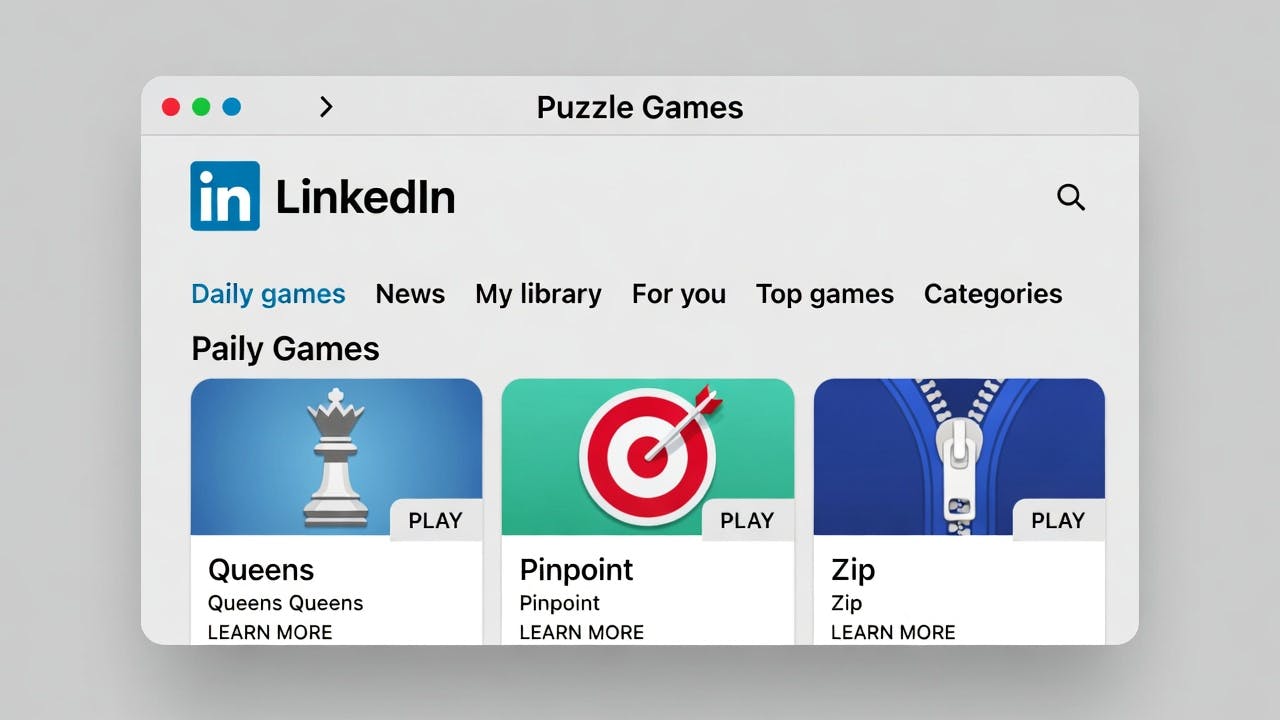
- Queens: Place one queen in each row, column, and color region without them touching — Logic & Spatial Awareness
- Pinpoint: Guess the common category between five increasingly specific clues — Lateral Thinking & Context
- Crossclimb: Solve word clues to complete a ladder where each word differs by one letter — Vocabulary & Speed
- Zip: Connect a sequence of numbers in order without skipping cells — Quick Reflexes & Focus
- Tango: Fill a grid with suns and moons; no more than two of the same icon can touch — Pattern Recognition
Strategy: Using Games for Your Personal Brand
1. The "Fast Flex" (Authority)
If you solve Crossclimb or Queens in record time, share your score with a caption that ties the game's logic back to your industry.
Example: "Just like in supply chain management, Queens is all about placing the right assets in the right spots without causing friction. Smashed today's puzzle in 45 seconds!"
2. The "Community Challenge" (Engagement)
Instead of just sharing a screenshot, tag a colleague or ask a question in the comments of a game-related post. Games are "engagement bait" that the 2026 algorithm loves.
3. The Privacy Balance
If you're playing on the clock and don't want your boss to see, you can adjust your settings.
- Go to Settings > Data Privacy > Social Activity > Games Activity.
- You can choose to play "Privately" or limit visibility to "Only Me."
Key Takeaways
- Shared Experience: Everyone plays the same puzzle daily, creating a natural conversation starter.
- Algorithm Boost: High engagement on game posts can signal to the algorithm that your profile is "active."
- Mental Sharpening: These are logic-based, non-addictive puzzles that take under 5 minutes to complete.
Related Posts

LinkedIn Content Ideas AI: Discover Trending Topics | Postipy
Stuck on what to post? Use Postipy’s Trending Topics to discover what’s rising now and turn it into a LinkedIn post instantly.


Post to LinkedIn from Slack (Without Switching Apps) | Postipy
Want to post to LinkedIn from Slack? Here’s how teams use Slack workflows to create and publish LinkedIn content faster.

Generate LinkedIn Post from URL in Minutes | Postipy
Want to generate a LinkedIn post from URL content? Here’s a simple workflow to turn any article into a high-quality LinkedIn post.