
How to Generate LinkedIn Posts from Templates
Stuck on what to write for your next LinkedIn update? See how Postipy’s quick topic templates turn your raw notes and company milestones into high-performing posts in seconds.
Written By Postipy AI

Featured Snippet
To easily generate a LinkedIn post from templates on Postipy, click the attachment paperclip icon inside your chat dashboard and select "Templates." Pick a situational prompt that matches your update, supply your raw details, and the tool will instantly output a structured, professional post ready to share.
How to Turn Postipy Templates into LinkedIn Gold
We’ve all been there: you have some great news to share on LinkedIn—maybe your team just nailed a major project milestone, or you’re welcoming an awesome new hire. But then you sit down to write, look at that blinking cursor on a blank screen, and your mind goes completely blank.
How do you format it? What should the hook be? How do you sound professional without being incredibly boring?
That’s exactly why Postipy built its topic templates. Instead of forcing you to build every single post from scratch, you can choose a pre-made framework tailored to your specific announcement, drop in your basic info, and let the tool do the heavy lifting.
Why Writing from Templates Actually Works
If you aren't using templates for your social media workflow yet, you're working way harder than you need to. Here is why making the switch makes life so much easier:
- No More Staring at Blank Screens: You don't have to worry about the structure. The template tells you exactly what details are needed, taking away all the guesswork.
- Built-In Engagement Hooks: Good LinkedIn posts follow a pattern—a strong first line, crisp takeaways, and an easy-to-read layout. Postipy’s templates are already structured this way, so your content is naturally built to stop people from scrolling past.
- Keep Your Feed Fresh: It’s easy to get lazy and write the exact same style of post every single week. Swapping between templates—like a Follower Milestone one day and a Project Showcase the next—keeps your network interested.
How to Use Templates in Postipy (Step-by-Step)
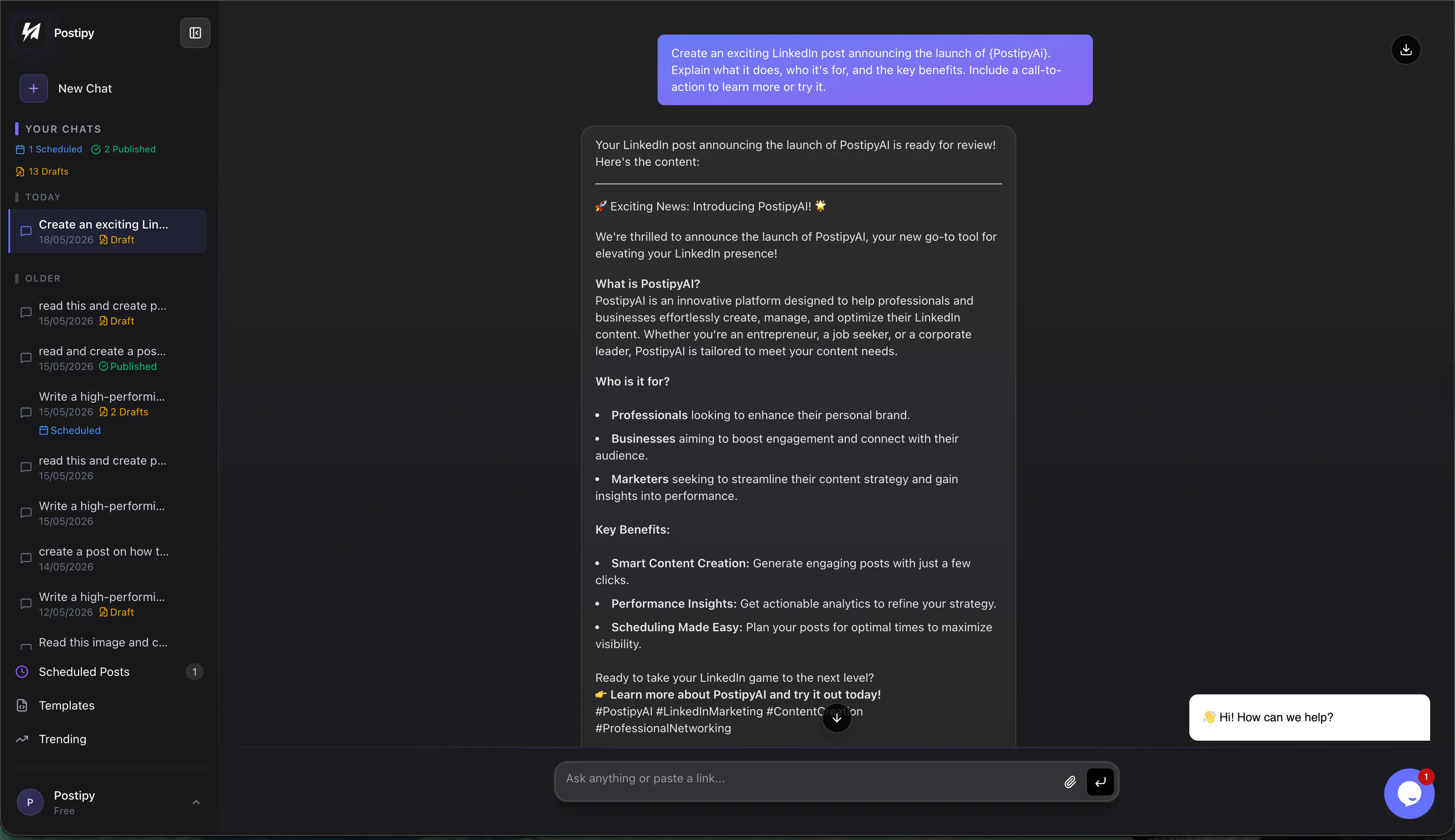
Creating a post this way takes less than a minute. Here is exactly how it looks when you log into your dashboard:
1. Start a New Chat
Head over to Postipy.com and click the New Chat button on the left sidebar to open up a fresh workspace.
2. Open the Utility Menu
Down in the main chat bar where you usually type, click on the little paperclip (attachment) icon. A small menu will pop up right above it. Click on Templates.
3. Pick Your Vibe
A neat list of real-world scenarios will show up. Just click the one that fits whatever you are trying to celebrate:
- Welcome New Member: Introduce a new face to your team and show off your company culture.
- Welcome Back: Give a warm shoutout to a returning teammate or community member.
- Company/Team Anniversary: Highlight how long you’ve been at it and celebrate the journey.
- Follower Milestone: Say a genuine thank you to your audience as your network grows.
- Project Milestone: Break down a big win, a launch, or a case study in a way that proves your expertise.
4. Fill in the Blanks & Go!
Once you click a template, just give the tool a few raw facts (like names, dates, or key metrics). Postipy’s AI will take those messy points and spin them into a clean, perfectly formatted LinkedIn post complete with spaces, bullet points, and highly relevant hashtags.
Key Takeaways
- Instant Writing: Skip the brainstorm phase by starting with a proven layout.
- Perfect Layouts: Posts come out clean, scannable, and easy for people to read on mobile or desktop.
- Super Accessible: The tool sits right inside the chat bar you already use every day.
Related Posts

How to Sync Your LinkedIn Scheduler with Google Calendar
Stop switching tabs to check your social queue. Discover how to sync Postipy's LinkedIn scheduler with your Google Calendar to see all your upcoming posts in one place.


How to Generate LinkedIn Posts through Discord
Your best ideas happen in Discord. Learn how to use Postipy to instantly transform Discord chats, images, and documents into high-performing LinkedIn posts.

How to Post to LinkedIn from Telegram
Turn your Telegram messages into LinkedIn success. Learn how to connect @Postipybot and start publishing professional content directly from your chat window.